03 / MORE CLARITY, LESS GUESSWORK
Let AI assist. Keep people in control.
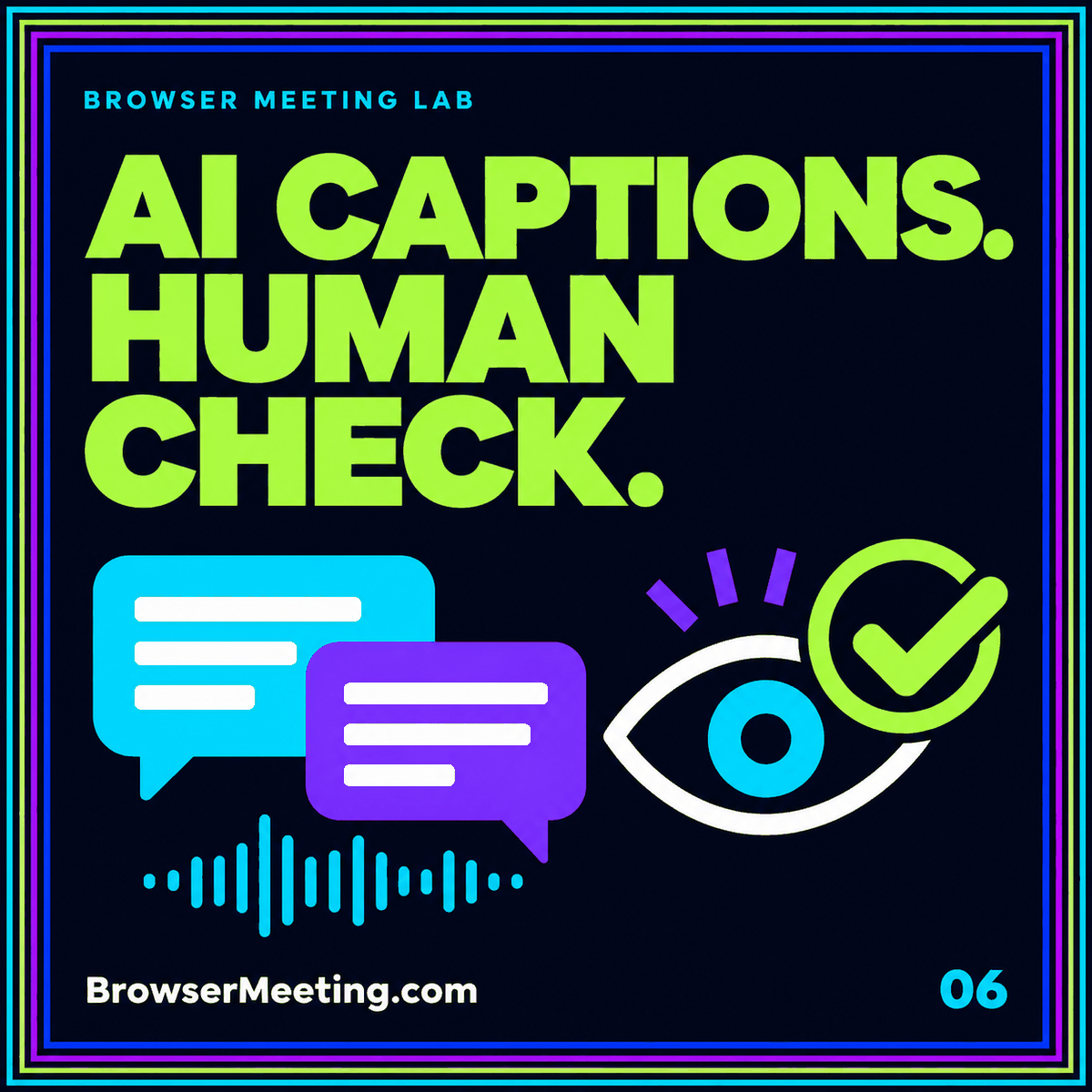
AI can assist a live production with captions, summaries, and other processing. Decide what your audience actually needs, test the output, and assign a person to review it.
Separate the meeting from the broadcast
A live stream and a collaborative meeting serve different jobs. A meeting invites people into the conversation; a broadcast distributes a programme to an audience. Some services connect the two, but permissions, moderation, and delay need separate attention.
Map the entire route from the speaker’s microphone to the viewer’s player. Decide where captions appear, who can ask questions, and which person is responsible if a production step fails.
Treat automated captions as output to check
Speech recognition can misunderstand names, specialized vocabulary, overlapping speech, or an important negative such as “not.” A caption stream that looks fluent can still change the meaning of a sentence.
W3C’s caption guidance explains why automatic captions need accuracy checks. Test a representative section of your event, including names and topic terms, and arrange the level of caption support your audience needs. Do not promise accessibility solely because an AI switch is enabled.
Make review someone’s actual responsibility
Assign separate attention to speaking, production, and moderation when the event is complex. Give the reviewer a route to flag a caption problem, inaccurate summary, or sensitive material that should not appear on screen.
Before using transcription or summaries, explain the process to participants and decide who should receive the resulting material. Confirm the provider’s settings for recording, storage, and access rather than assuming every AI feature handles information in the same way.
Rehearse and plan the replay
Use a restricted rehearsal to test the actual audio, slides, captions, and audience experience. A test with one speaker reading a simple sentence will not expose the problems of a discussion with technical language.
After the event, review the recording and caption file before publishing a replay. Correct consequential errors, remove unintended material, and supply a concise description that helps someone decide whether the session meets their needs.
Official reference: W3C’s guidance on captions and automatic accuracy. Check the current requirements for the service, device, and account you plan to use.
Useful questions
What to know
before you start.
Are AI captions always accurate?
No. Accuracy depends on the audio, language, vocabulary, speakers, and service. Review representative output and provide appropriate support for the audience.
Is streaming the same as a browser meeting?
No. Streaming focuses on distribution to an audience; a meeting focuses on participation. A production may use both, with different access and moderation settings.
Can I publish an automatic summary immediately?
Review decisions, names, commitments, and sensitive details first. A readable summary can contain factual mistakes or omit important context.